
01
Define the facility
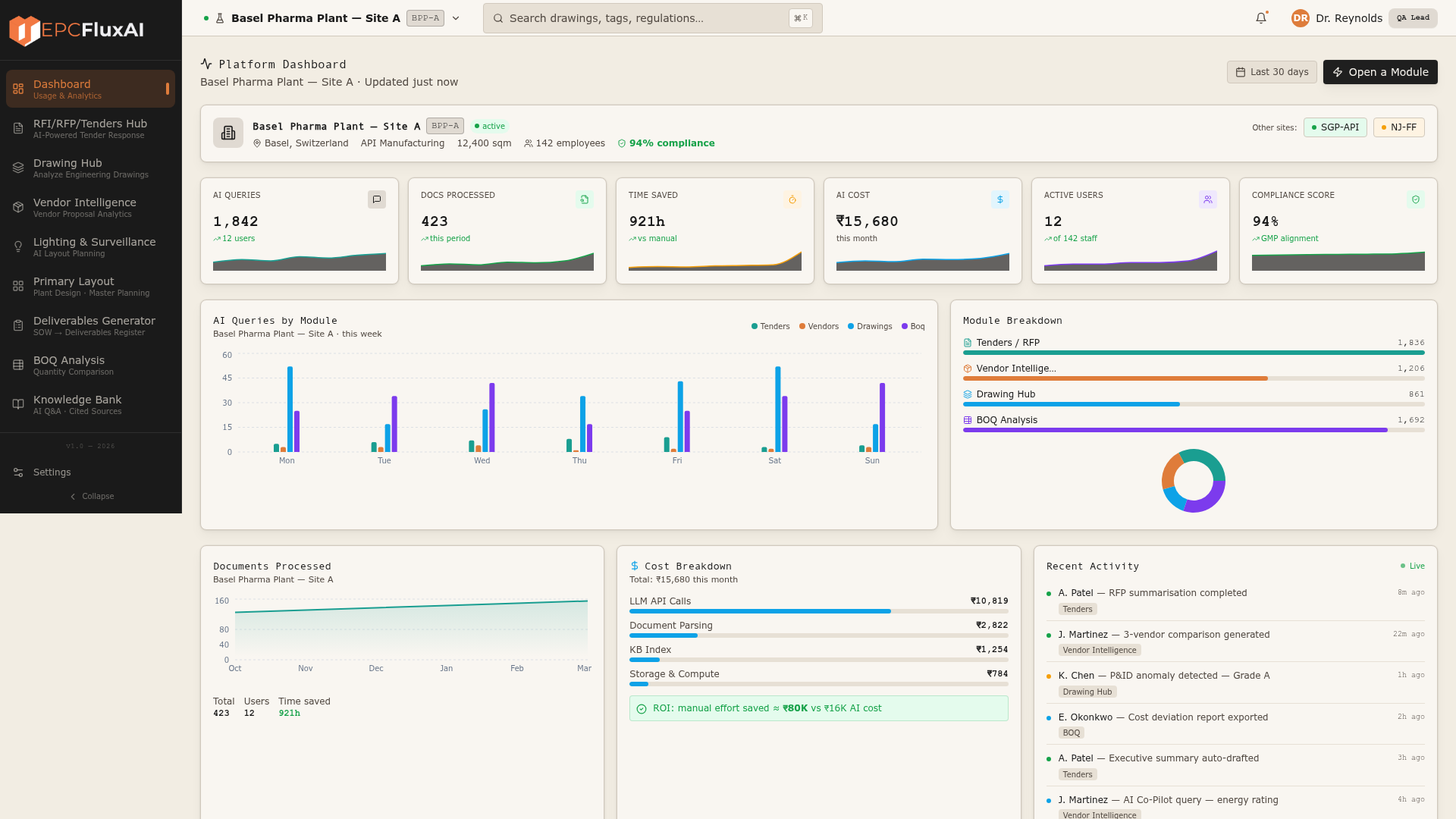
Turn governed requirements and room data into capacity, process flows, coordinated room relationships and conceptual layouts.
From design basis to compliant drawings in days, not months. Generate early-stage layouts, validate every drawing with the exact clause cited, and take FEED to an approval-ready decision.
15–18
Detailed FEED layouts generated in hours
20–30
Primary drawings or engineering views
Exact
Clause cited for every validation verdict
Human
Engineer approval retained at every gate
Front-End Engineering Design turns a business requirement into a sufficiently defined manufacturing facility - what will be built, its capacity, how it will operate, what it may cost and where the main execution risks sit.
Turn governed requirements and room data into capacity, process flows, coordinated room relationships and conceptual layouts.
Develop process, building and utilities as one connected design, checked against project rules and regulatory standards.
Structure quantities, scope and cost assumptions into an approval-ready basis for an informed investment decision.
Compare options, expose compliance gaps and trace changes before procurement, detailed engineering and construction begin.
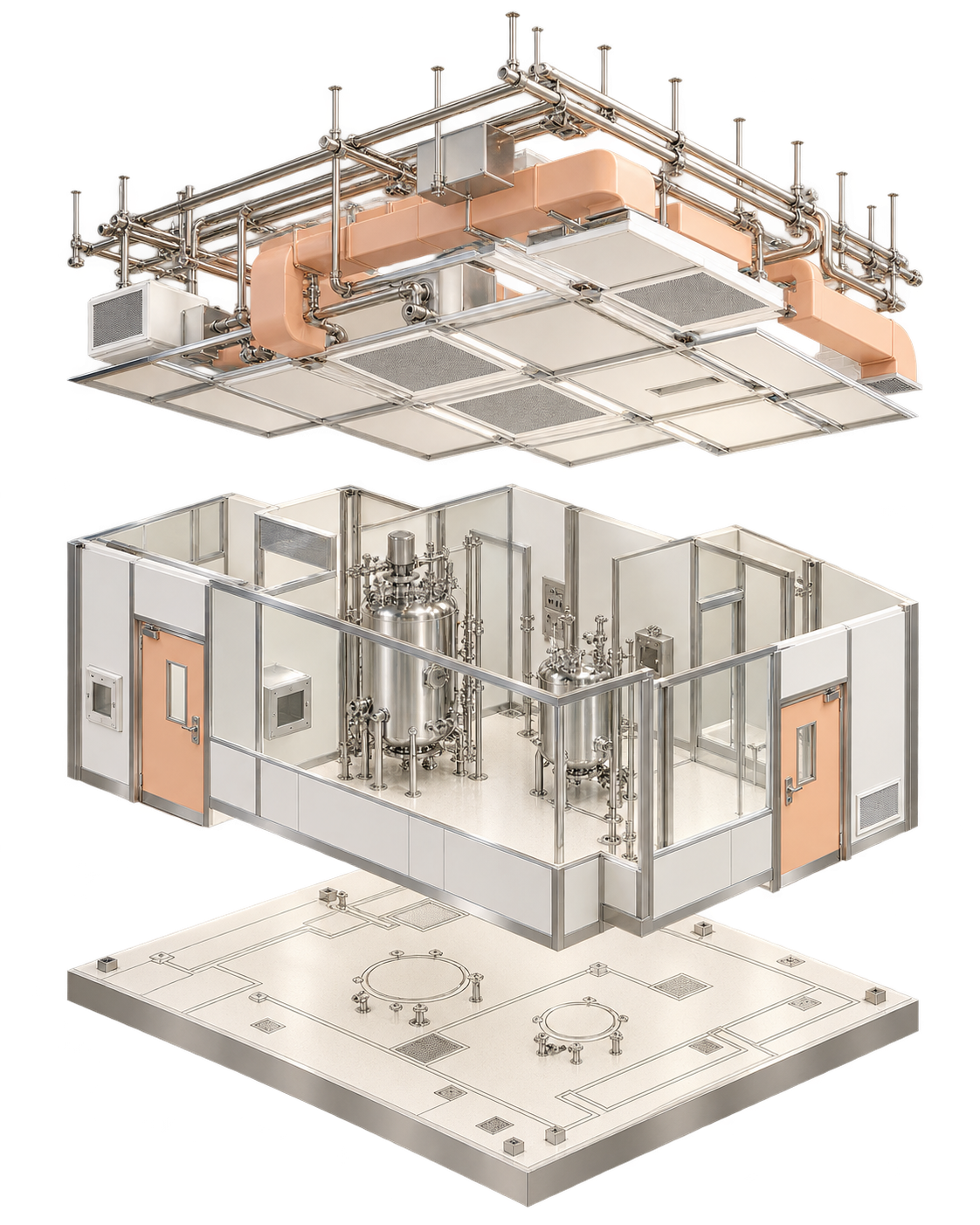
A well-defined FEED package gives owners the technical and financial basis to decide whether to proceed - and gives engineering teams a controlled starting point for the contracts and design work that follow.
Engineers turn URS and room data into layouts, discipline by discipline.
A client change restarts the loop and creates cross-drawing drift.
Each issue is checked by hand against internal and regulatory standards.
Scope, quantities and compliance evidence are rebuilt for sign-off.
EPC Flux AI connects both loops: generate from one governed design basis, then validate every output with a source-linked verdict.
Flux AI reads the engineering files teams already produce, grounds each check in project and regulatory references, then returns a verdict an engineer can review.
P&IDs, HVAC, GA layouts, vendor files
Codes, client specs and room data
Your checks, routes and review gates
Cited findings and approval evidence
Weeks of review compressed into hours
Consistent, traceable, clause-cited output
Fewer manual cycles and less downstream rework
P&IDs, airflow schematics, ceiling layouts, point-of-use diagrams - Flux ingests them at full fidelity, then automates validation, BOM extraction and compliance scoring.
 Validation01 / 04
AHU-G01 - Schematic Airflow Diagram
HVAC · 15,600 CFM · Multi Dosage Facility
 Tag Cross-Ref02 / 04
P&ID - Potable Water (Sheet 3 of 6)
Utilities · Oncology OSD & Sterile Formulation
 BOM03 / 04
Point of Use Layout
Service distribution · clean utilities
 Compliance04 / 04
Ceiling Finish Layout
Architectural · GMP zoning
Symbols detected
Pumps · valves · dampers · diffusers · sensors
Tags cross-referenced
Pipe IDs · room numbers · equipment codes
Compliance scored
WHO GMP · EU Annex 1 · FDA 21 CFR · ICH Q7
Flux AI works with the Revit and CDE workflows teams already use, adding domain intelligence, encoded checks and governed approvals without replacing the engineering toolchain.
Contracts · drawings · invoices · vendor submissions · compliance files
OCR + LLM · classification · context-aware extraction · RAG knowledge base
Vendor scoring · cost comparison · risk analysis · recommendations
RFQ flows · approval chains · exception handling · notifications
Full traceability · audit logs · reference mapping · audit-ready output
FEED automation, validation, estimation and comparison form the core decision loop. Tender and knowledge workflows extend the same intelligence across the project.
Turn design inputs into a governed Room Data Sheet, then generate layouts, quantities and revision-linked outputs.
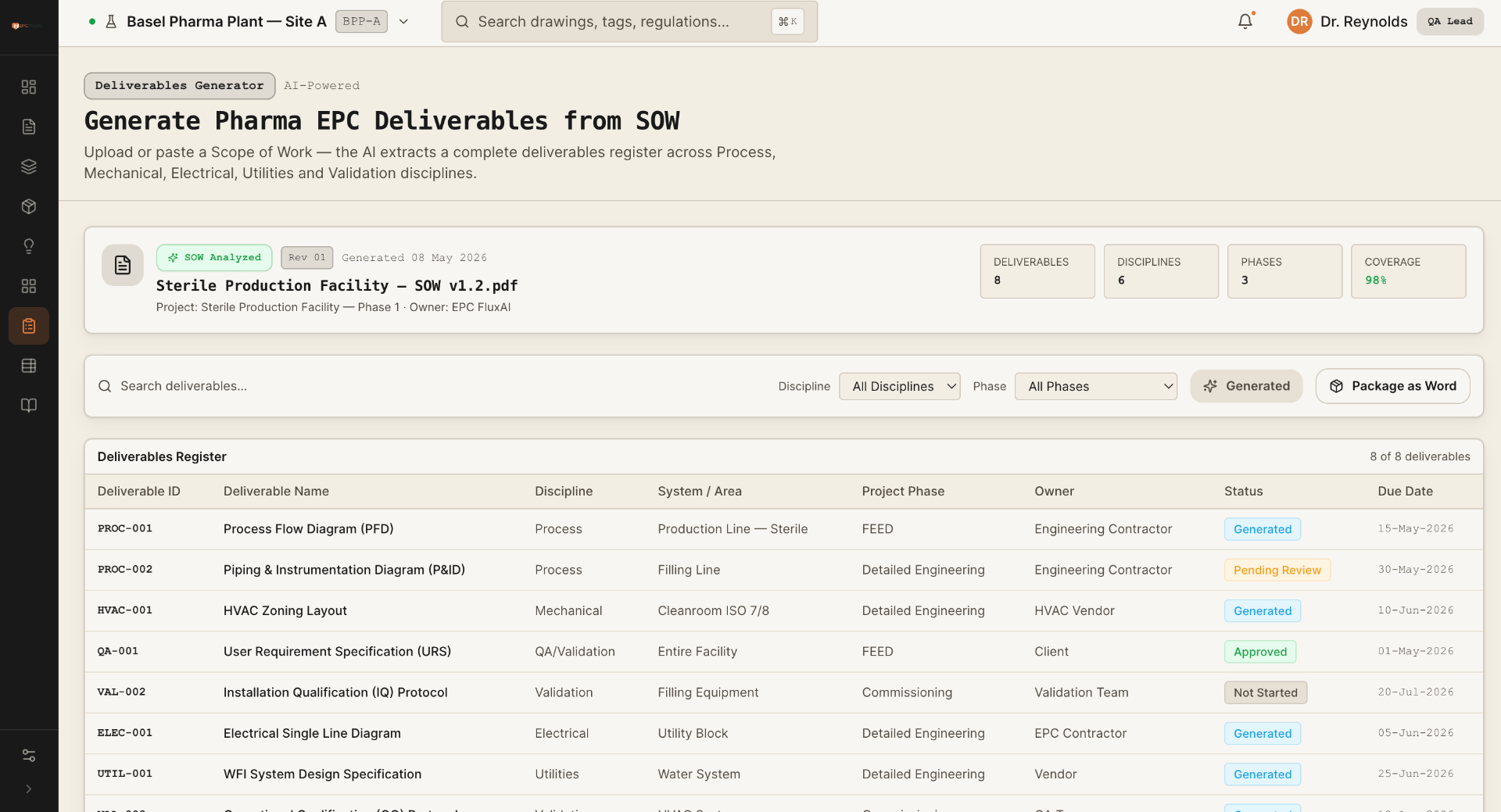
Read any engineering layout, apply internal and regulatory checklists, and flag each deviation with its clause.
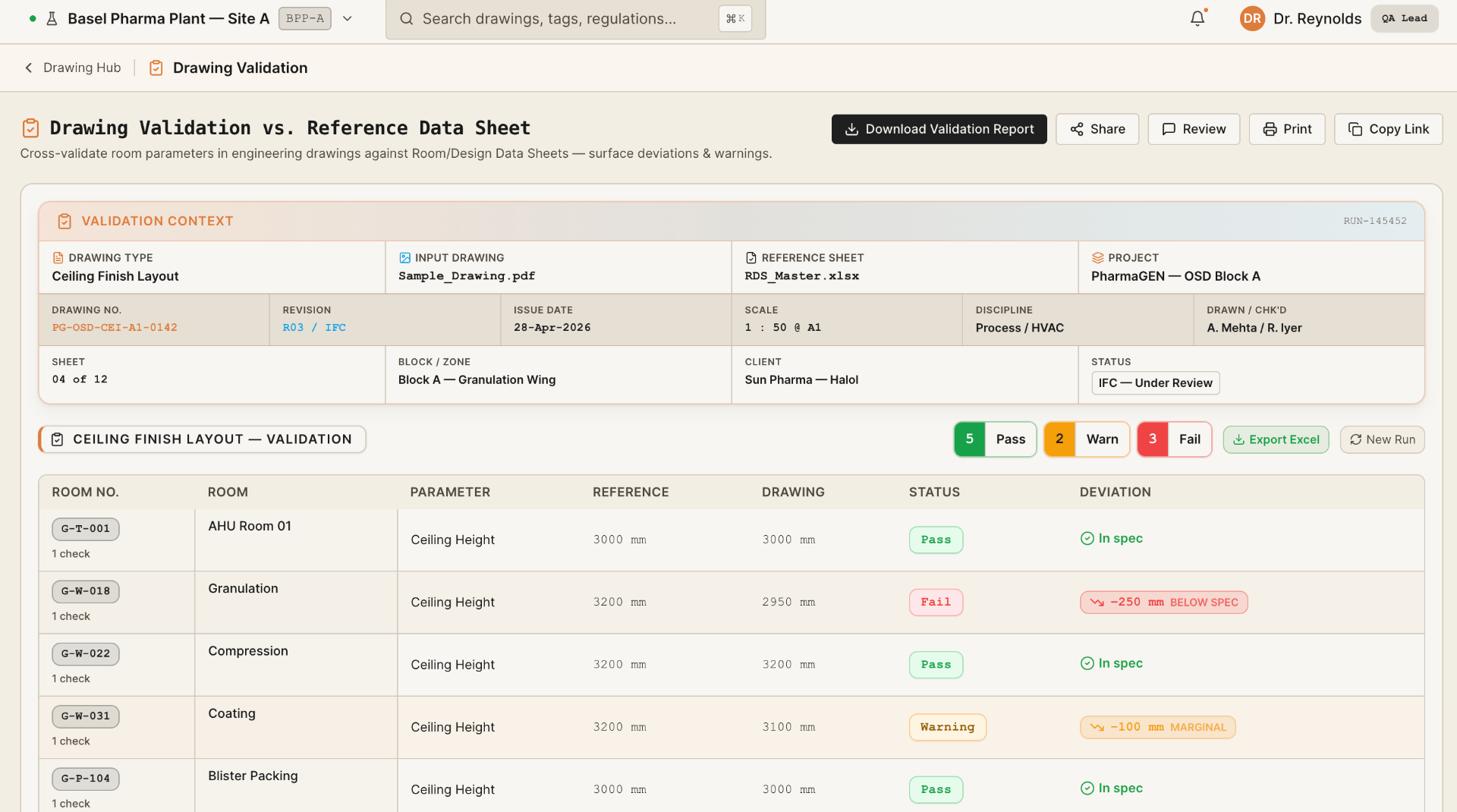
Extract a structured BOM, apply project rates and issue a discipline-wise approval report.
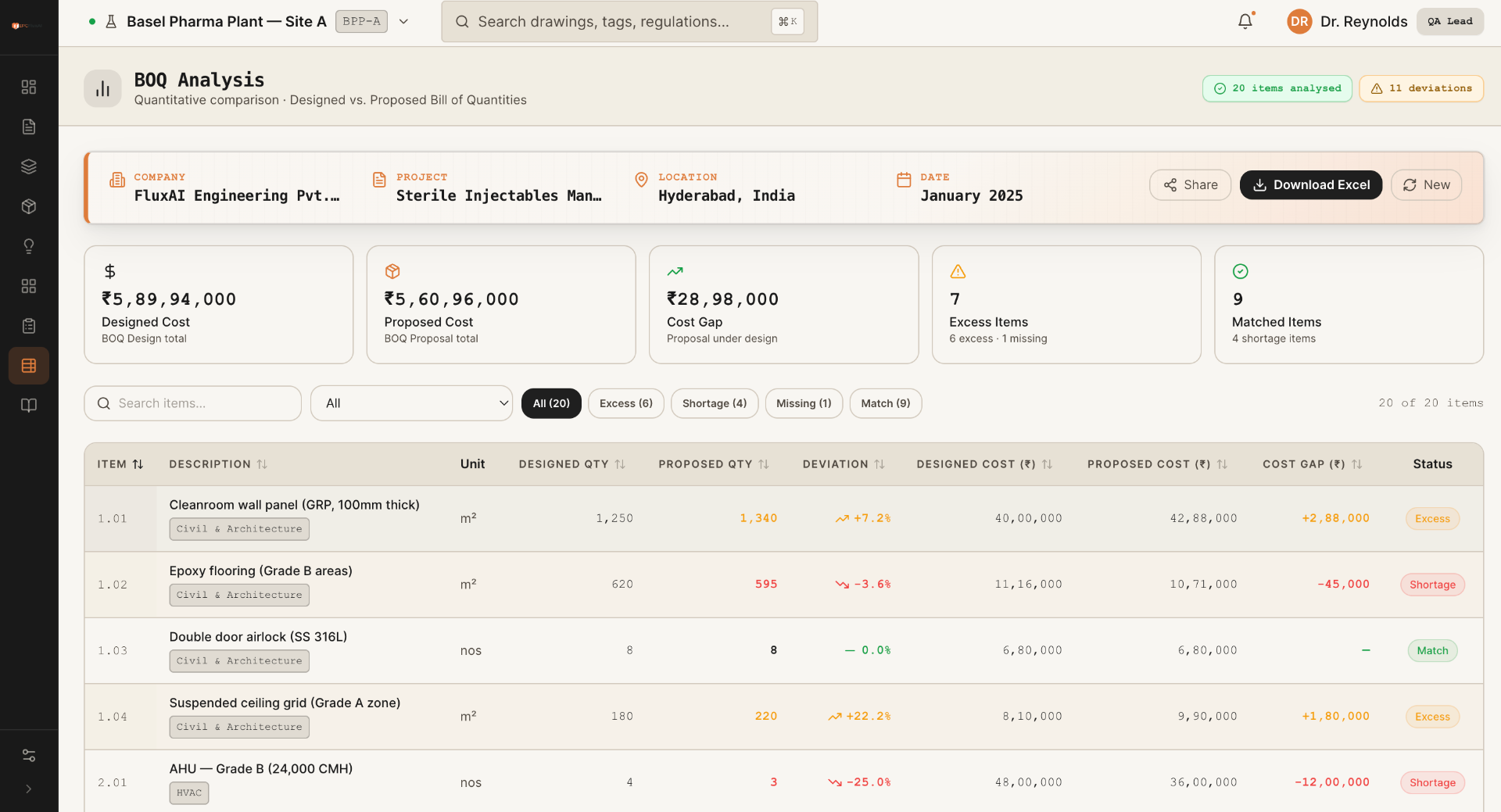
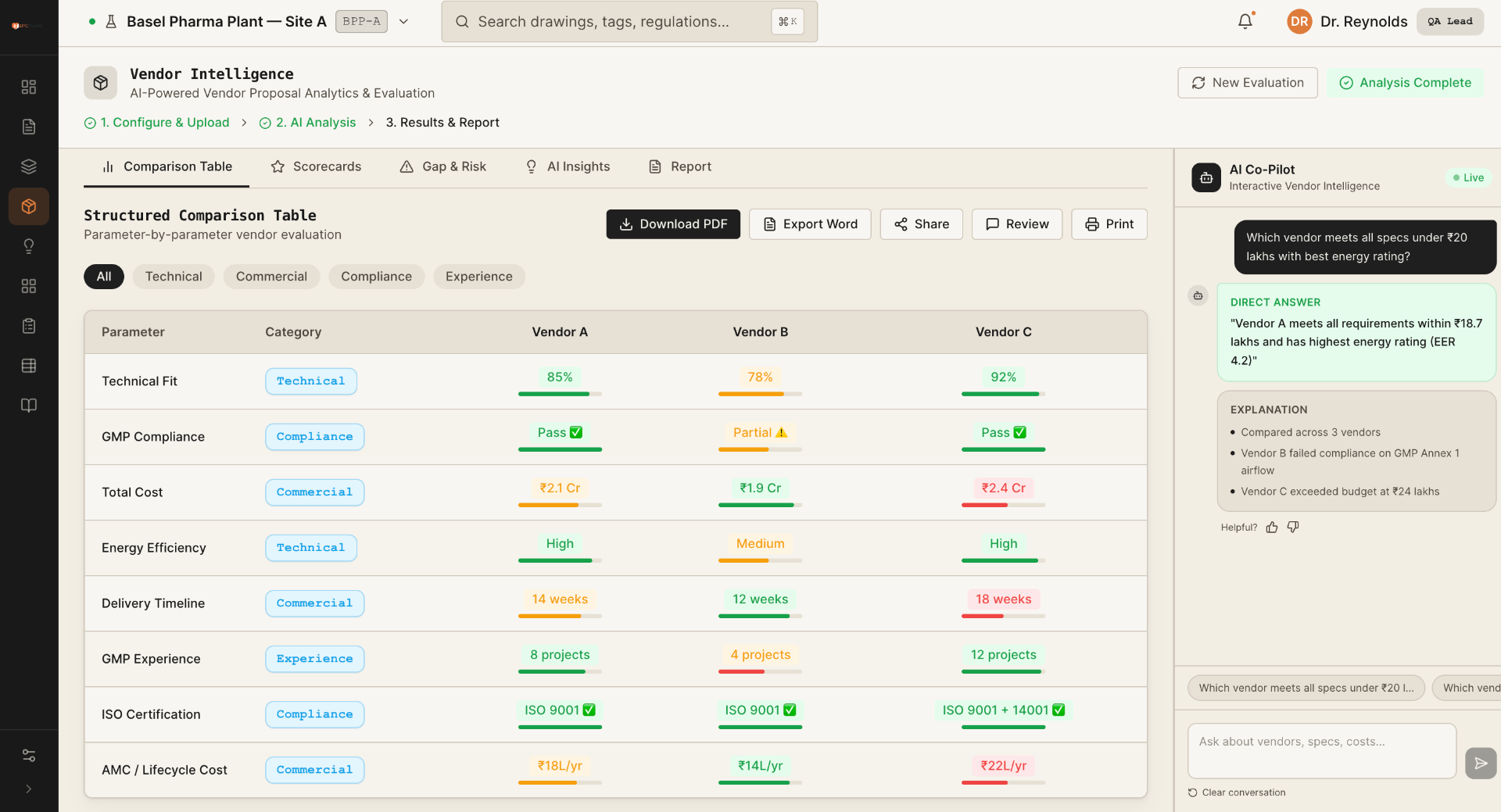
Compare proposals against requirements and rank technical and commercial fit with an auditable basis.
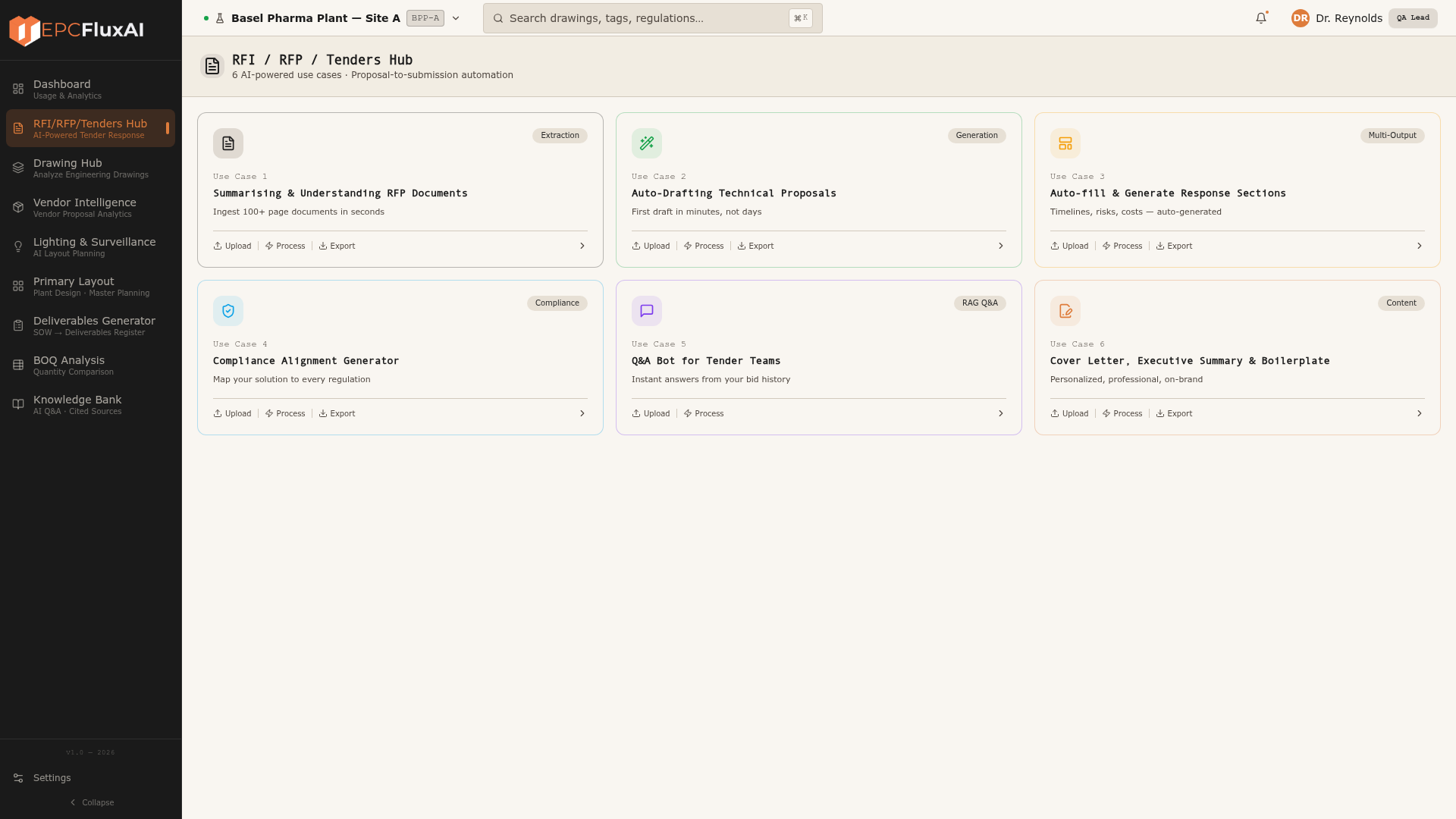
Parse scopes by discipline and generate a complete deliverables register for review and export.
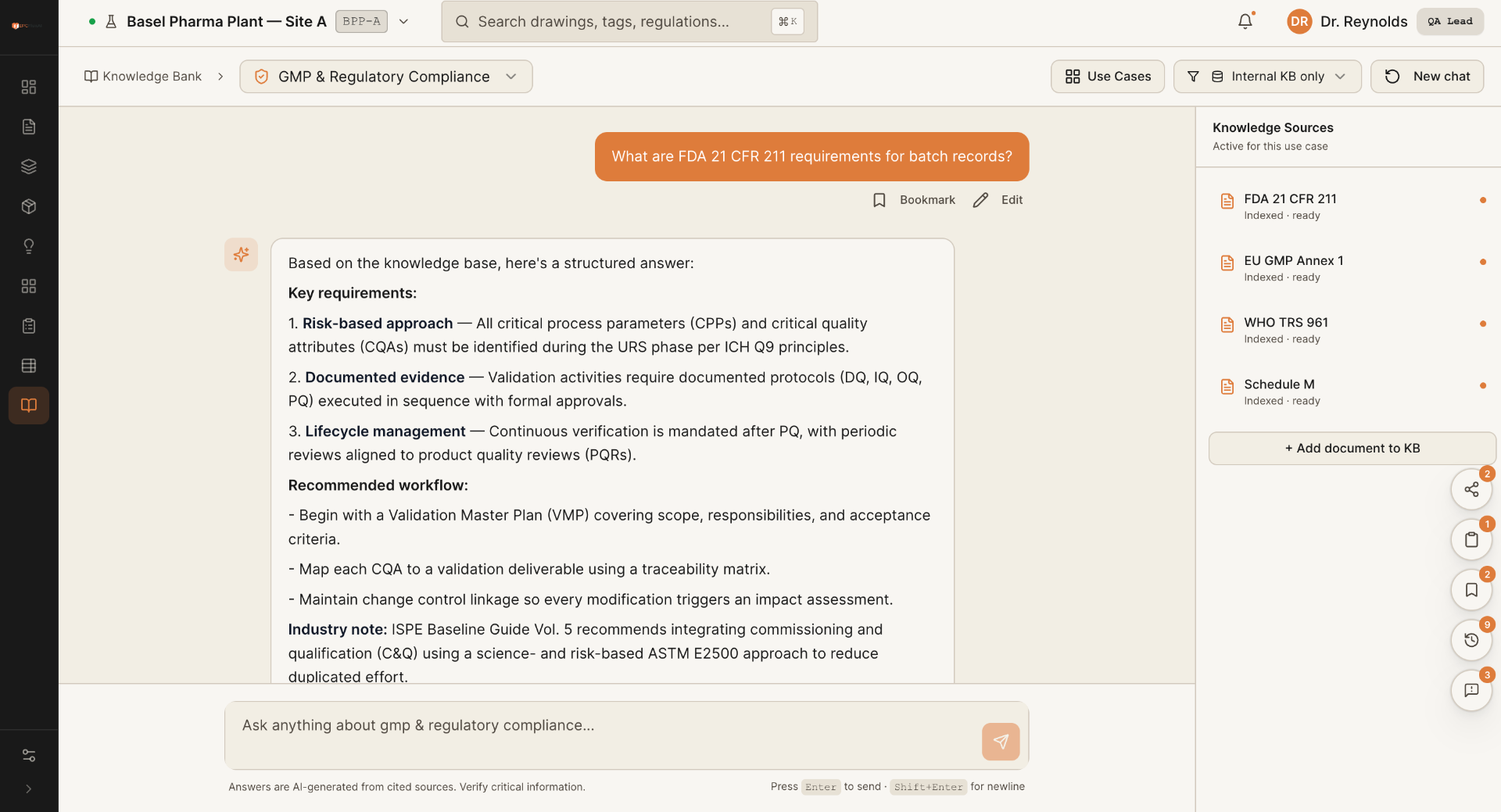
Ask project and regulatory questions and receive grounded answers with a citation for every claim.
FluxAI structures every requirement into a governed room book, then turns it into coordinated layouts, quantities and approval evidence.
Source citations · revision history · engineer review
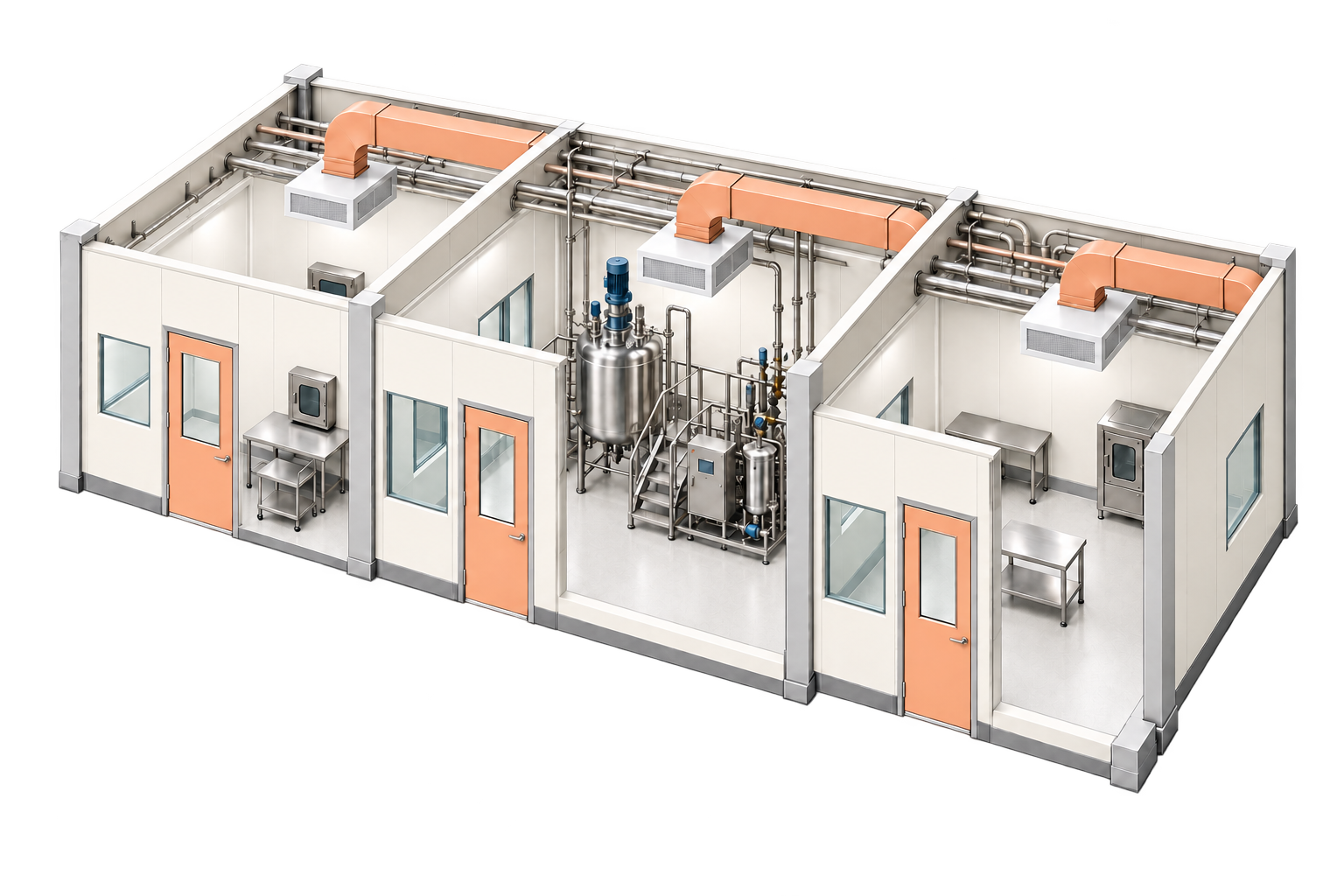
Generate coordinated layouts from one validated design basis.
Changes propagate across rooms, drawings, quantities and revisions.
Bring quantities and ballpark estimates into the FEED decision.
Room data, equipment, services, quantities and compliance evidence stay connected through review and approval.
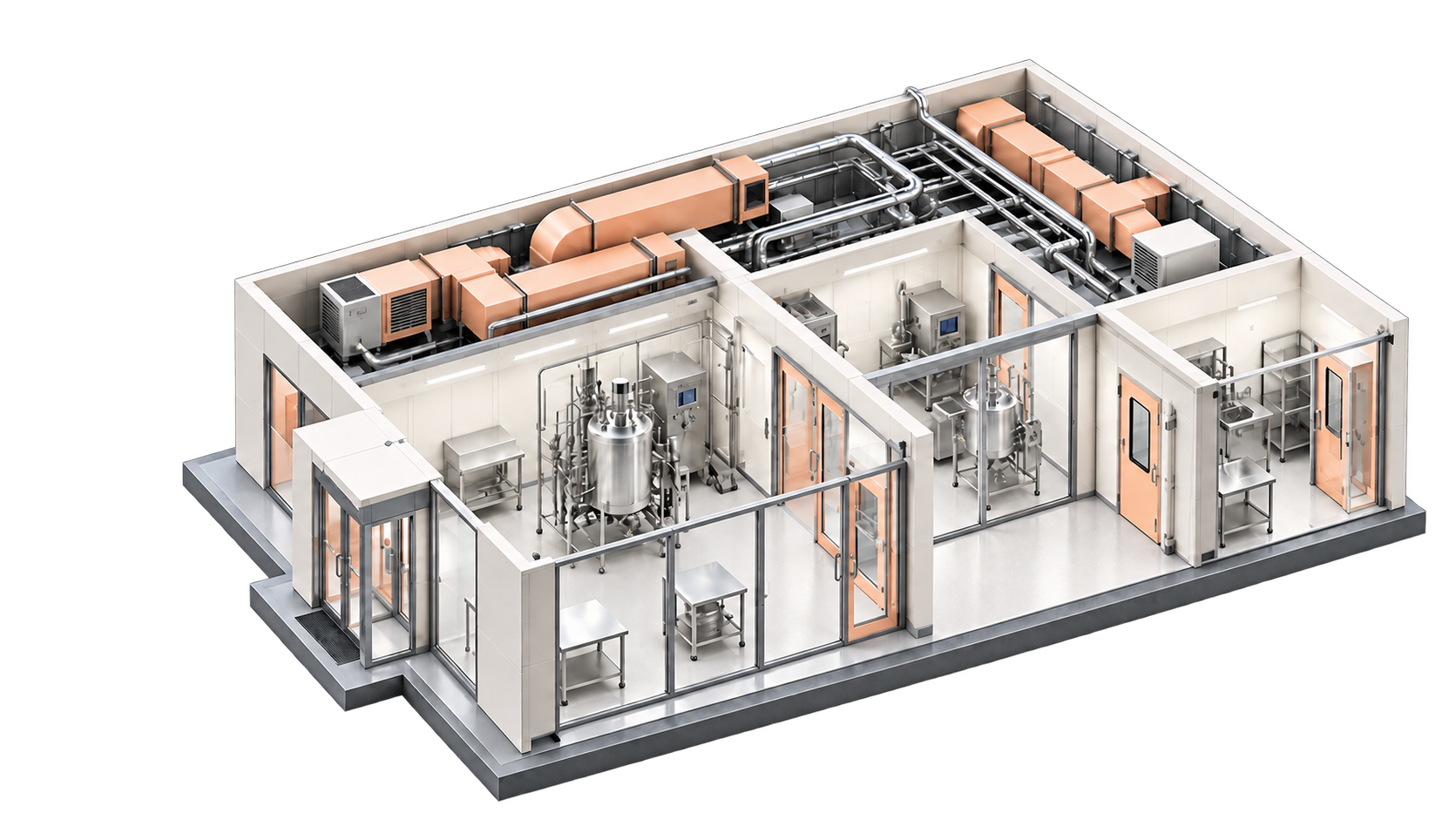
URS · process brief
Governed source
20–30 views
Quantified scope
Cited verdicts
Funded decision